Problem:
Your internet is running slow/all applications are slow to open or respond.
Solution:
1. Go to Google and search ISP Speed Test
2. Click on "Run Speed Test"
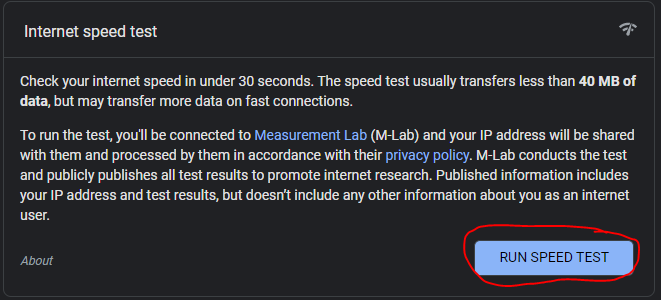
3. If either result is below 10 mbps download and below 10 mbps upload, restart your router by unplugging it for 30 seconds and plugging it back in.
4. Run test again. If results still are under 10mbps/10mbps, please call your internet service provider to further troubleshoot.
Was this article helpful?
That’s Great!
Thank you for your feedback
Sorry! We couldn't be helpful
Thank you for your feedback
Feedback sent
We appreciate your effort and will try to fix the article