Problem:
You have either forgotten your FIve9 password or need it reset.
Solution:
1. Go to login.five9.com
2. On the main login page, select "Forgot Password?"
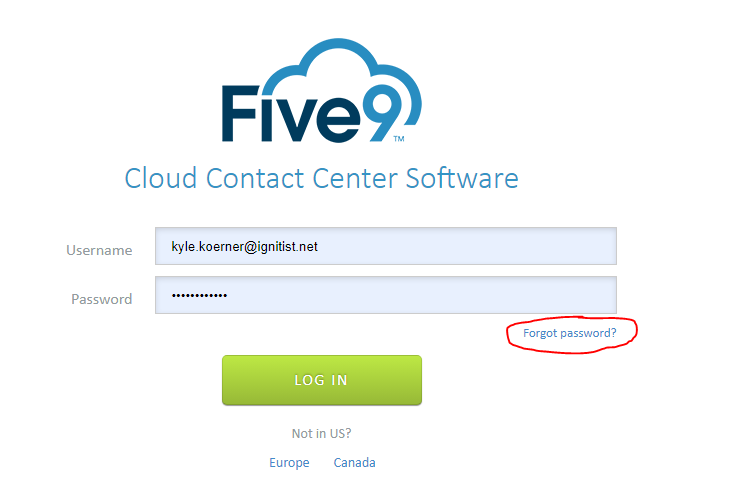
3. Enter your username (Hint: your username will be your Ignitist email)
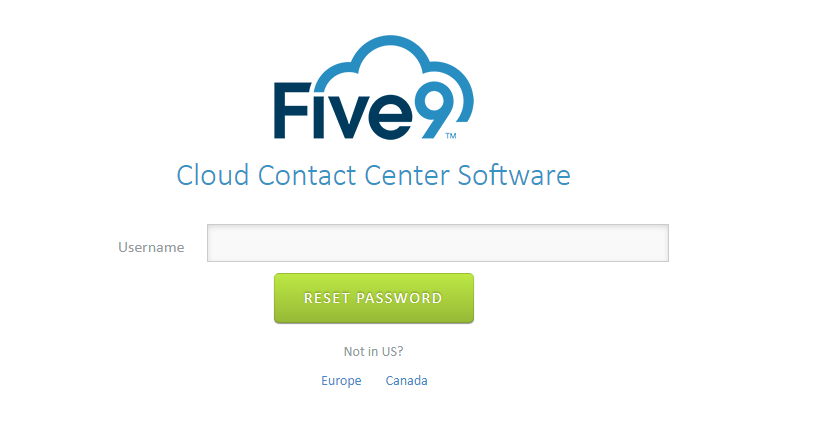
4. Re-enter your username into the box below "Reset Password"
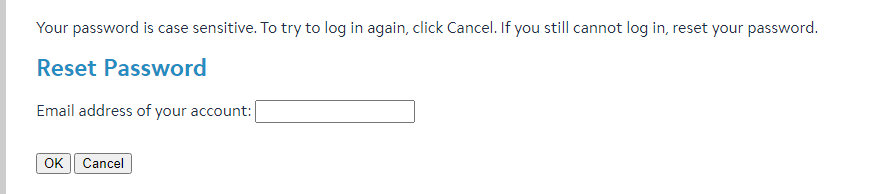
5. An email with a reset link will be sent to your Ignitist email account (please allow up to 15 minutes for this email to come through). Click the link found in the email:

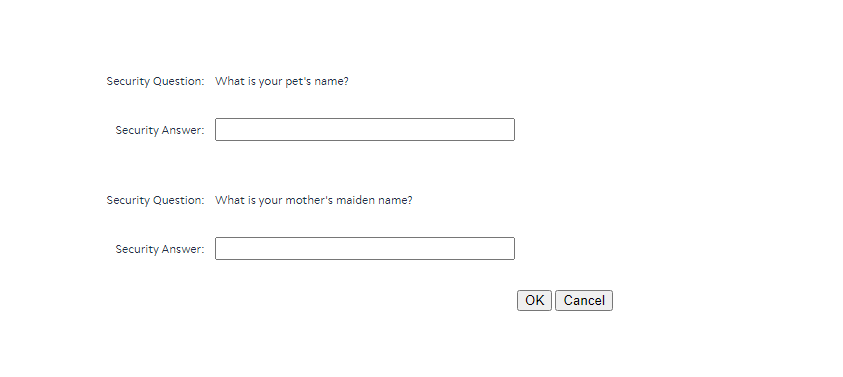
6. Answer your security questions:
7. Change your password. After changing your password, you will be automatically logged in.
If after completing these steps, you still are unable to reset your password, please open a ticket in the Ignitist Portal.
Was this article helpful?
That’s Great!
Thank you for your feedback
Sorry! We couldn't be helpful
Thank you for your feedback
Feedback sent
We appreciate your effort and will try to fix the article