Problem:
You want to create a desktop shortcut for a website.
Solution:
Step 1: Go to webpage you are looking to create the shortcut for.
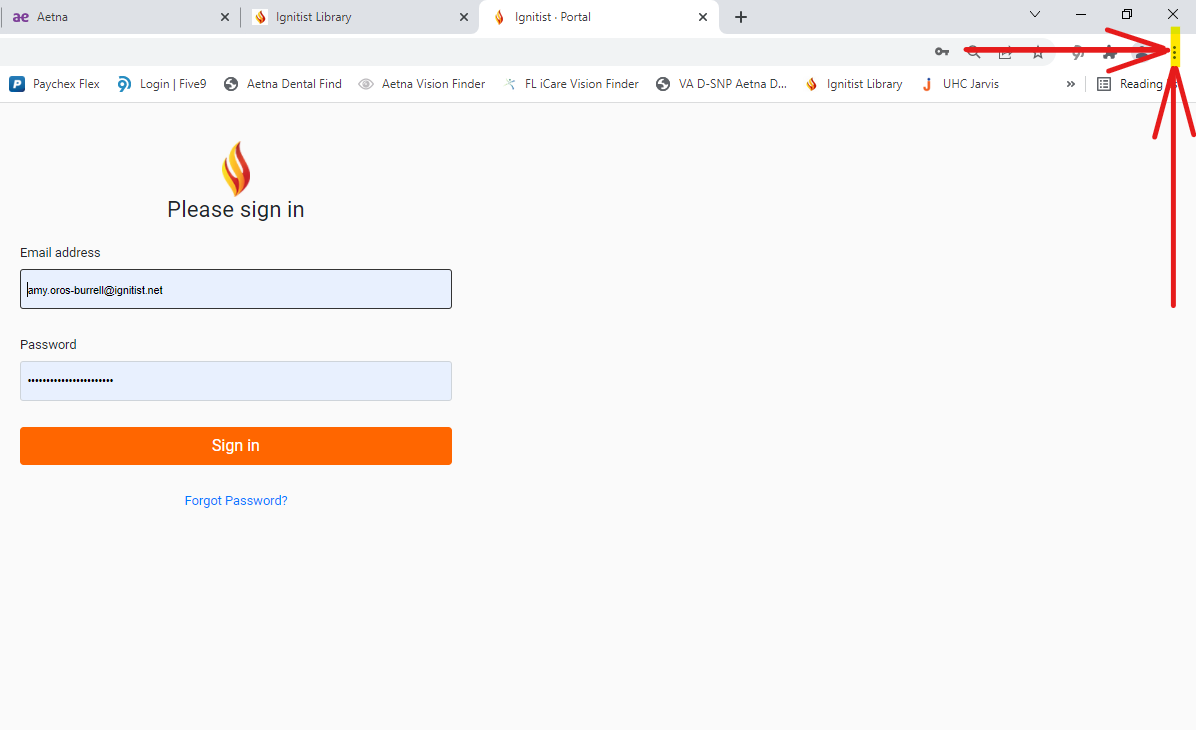
Step 2: Go to "Settings" (the three dots) in the top right hand corner
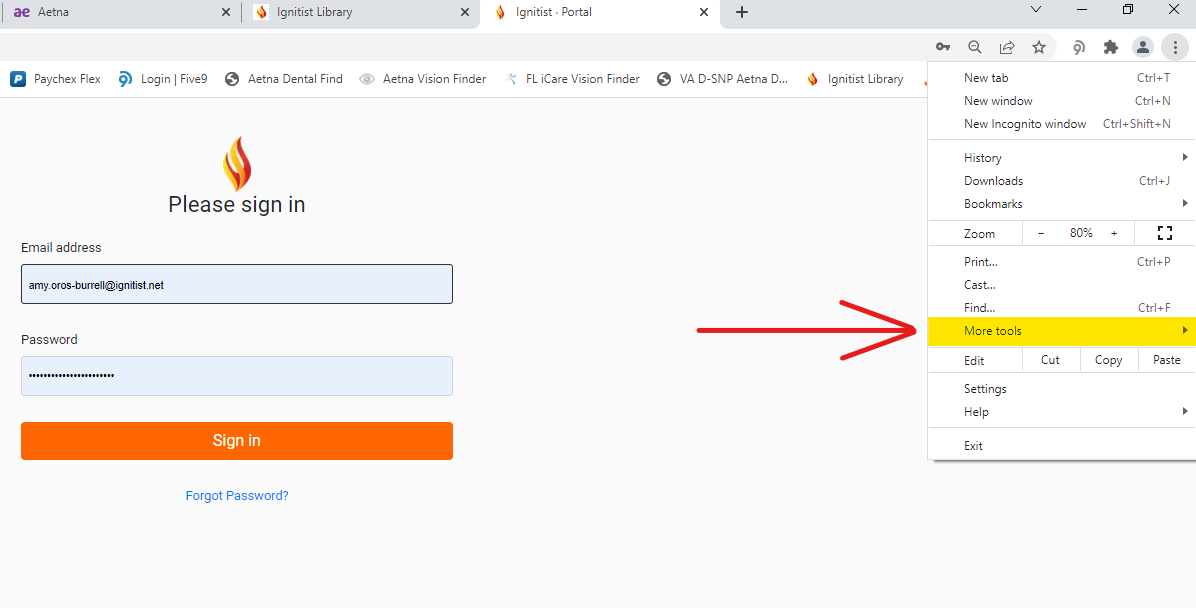
3. Click on "More Tools"
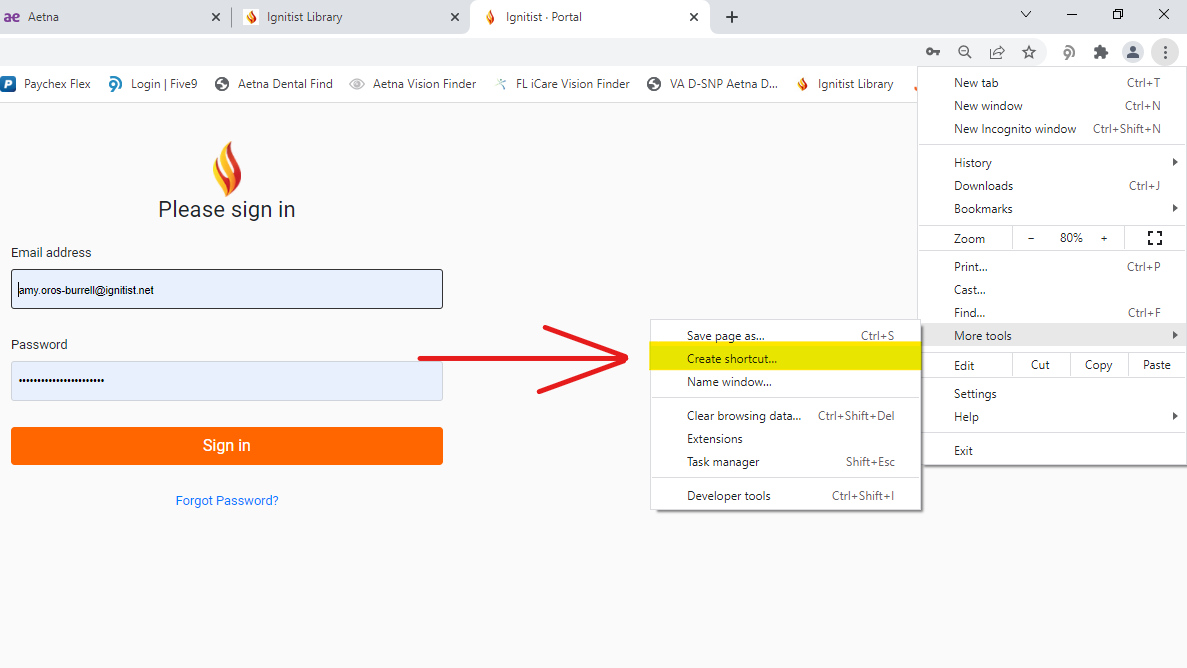
4. Click on "Create Shortcut"
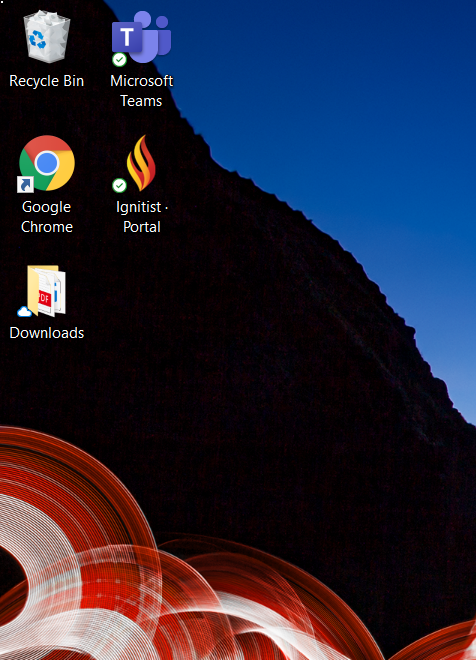
5. Shortcut will then be sent to your desktop
Was this article helpful?
That’s Great!
Thank you for your feedback
Sorry! We couldn't be helpful
Thank you for your feedback
Feedback sent
We appreciate your effort and will try to fix the article